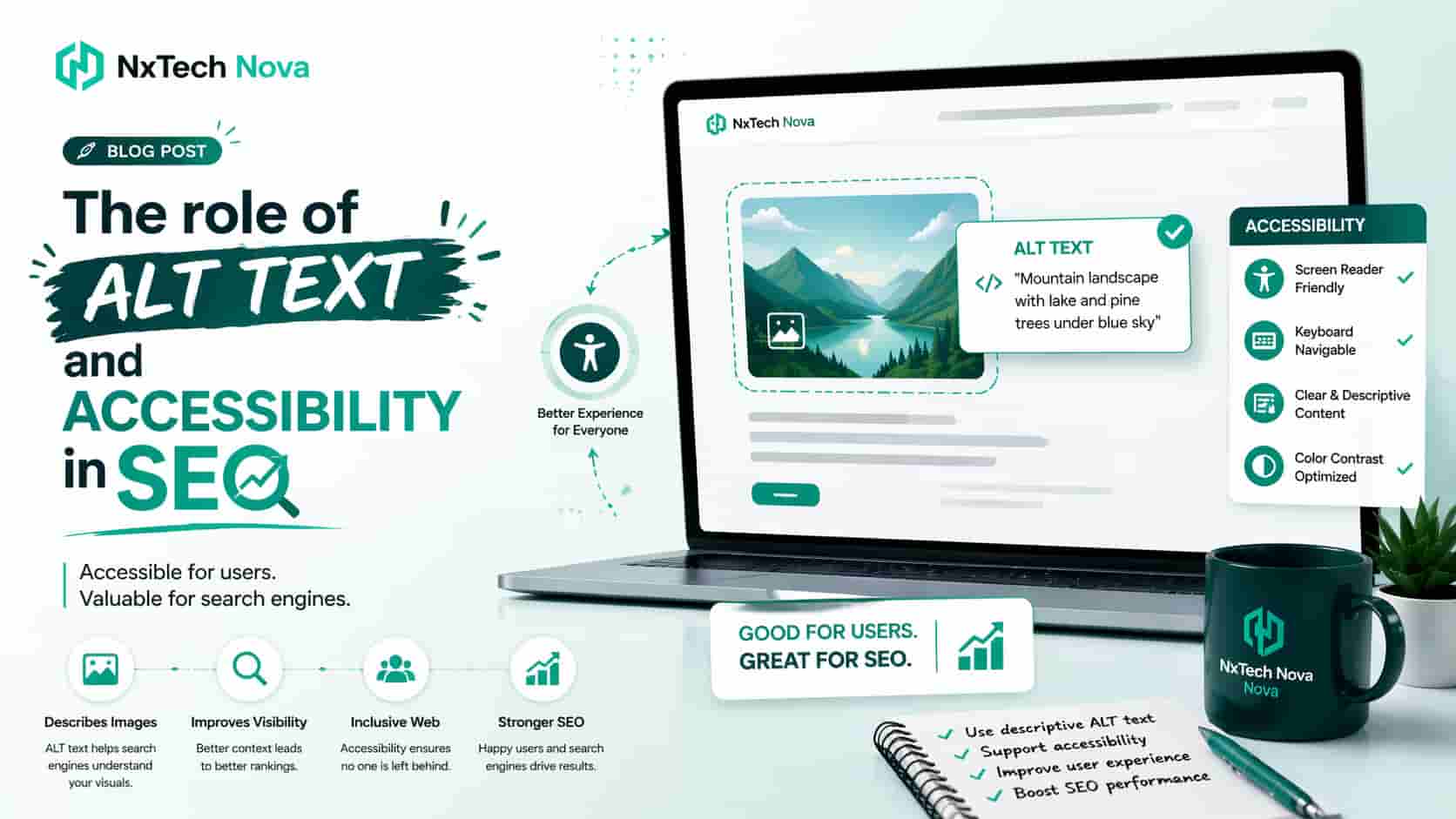
The Role of ALT Text and Accessibility in SEO
A business owner once contacted an SEO team after spending months improving a website. The pages looked professional, the product photos were clear, and the written content answered the main customer questions. Yet the website received very little traffic from Google Images, several product pages remained hard to discover, and visitors using screen readers could not understand important parts of the site.
The problem was not the quality of the products.
The problem was that hundreds of images had unclear file names, missing alt text, or copied descriptions that did not explain what each image showed. Some clickable banners also gave no information about where the visitor would go after selecting them.
This created three commercial problems at the same time.
-
Google had limited information about the images
-
People using screen readers could not understand important visual content
-
Product and service pages were losing possible clicks, enquiries, and sales
The business had treated alt text as a small publishing task. In reality, it was part of a much larger issue involving technical SEO, accessibility, content quality, and website usability.
This is why choosing the right SEO support matters. A basic provider may add a few descriptions and close the task. A skilled team checks how the images support the page, how links are labelled, how products are presented, and whether the website gives every visitor a clear path toward taking action.
Many business owners start by searching for seo services near me, seo company near me, or seo firms near me. They are not simply looking for someone who can fill empty image fields. They want a team that can find the reason their website is underperforming and turn technical fixes into real business growth.
NX TechNova approaches this work as part of a complete digital growth process. Instead of treating alt text as an isolated checkbox, the team connects image optimisation with page structure, content relevance, website development, lead generation, and conversion planning.
That joined approach matters because accessible websites are not only easier for people to use. They are also easier for search engines to crawl, understand, and organise.
A proper image and accessibility review should help you answer several commercial questions.
-
Are your product images appearing for searches that can lead to sales?
-
Can every visitor understand your important images and buttons?
-
Do image links clearly explain their destination?
-
Are your service pages using images that support the buying decision?
-
Is your website structure helping or blocking search visibility?
-
Can your team maintain good standards as new content is published?
When these questions are answered properly, alt text becomes more than a description. It becomes part of a wider system that connects search visibility with trust and conversion.
What Role Do Alt Texts Play in On-Page SEO Rankings?
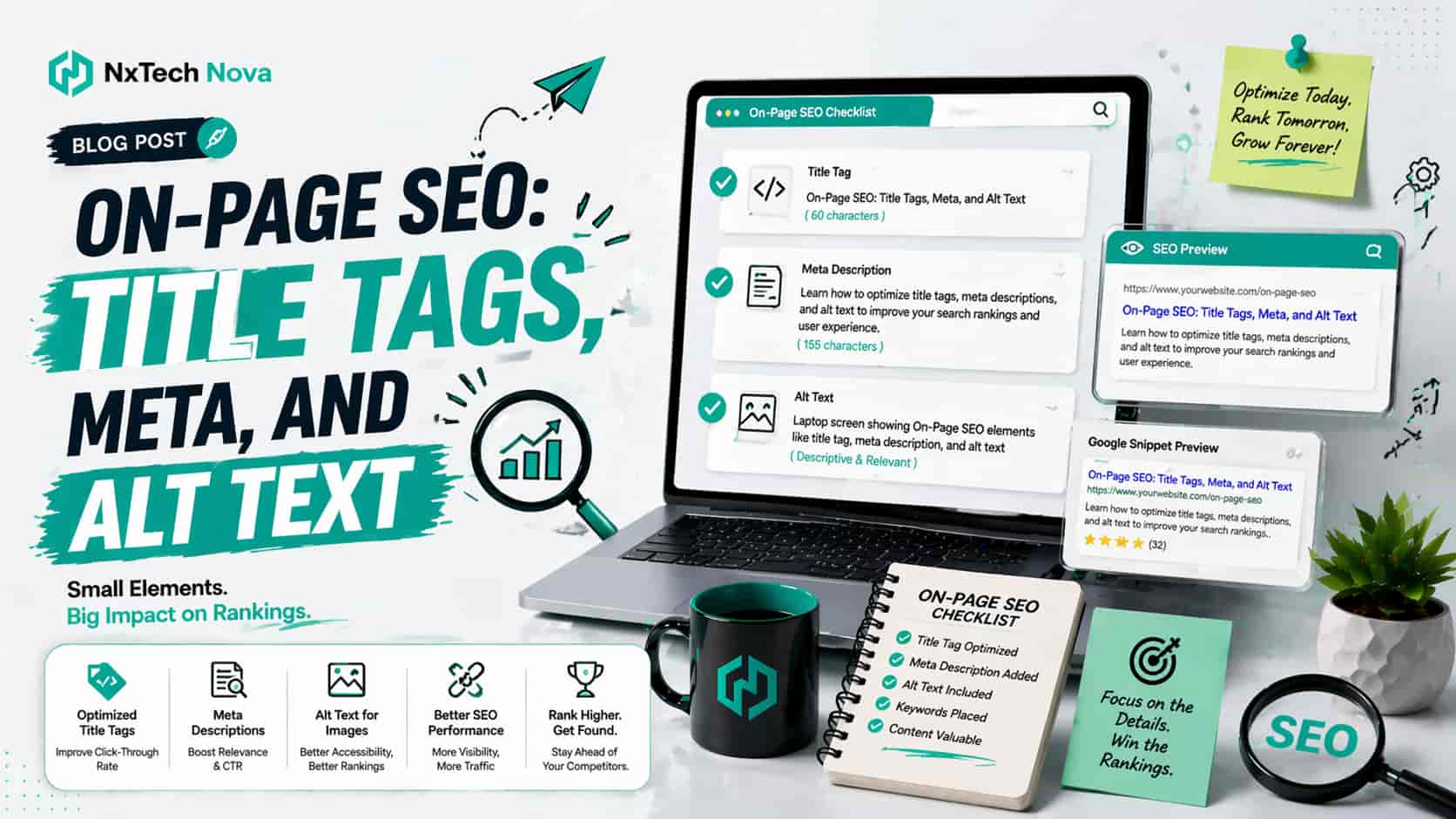
Alt text gives a written explanation of an image. It helps people understand the image when they cannot see it, when it does not load, or when they use screen reading software.
It also gives search engines more information about the subject and purpose of the image.
Google explains that it uses alt text together with page content and visual recognition systems to understand what an image represents. Google also recommends placing relevant images near related text and using clear file names, titles, and alt descriptions. mean that adding alt text will automatically move a page to the first position. Alt text works as one part of the full page. Its value depends on the image, the surrounding content, the technical condition of the website, and the intent behind the page.
Consider an online furniture shop selling a walnut dining table.
An alt description such as “image123” gives almost no useful information. A description such as “six seat walnut dining table with curved legs” gives the visitor and search engine a much clearer understanding of the product.
The second version can support product discovery because it explains the item in simple and accurate language. It can also help a person using a screen reader decide whether the product is relevant.
The same rule applies to service websites.
Suppose a dental clinic has an image showing a dentist explaining a treatment plan to a patient. An accurate description can support the surrounding service content. A copied phrase repeated across every clinic image will not provide the same value.
Alt text can support commercial pages in several practical ways.
-
It can make product details clearer
-
It can support image search visibility
-
It can explain the purpose of service images
-
It can provide context when an image does not load
-
It can describe the destination of a clickable image
-
It can improve the experience for people using screen readers
This is especially important for online shops. Product images often carry information that is not fully explained in the written copy. The image may show colour, shape, size, material, packaging, or the way a product is used.
A strong seo agency ecommerce campaign should review these details rather than applying one description to every product photo.
For example, a clothing shop may have five pictures of the same jacket. Each image can serve a different purpose.
-
The front image shows the overall design
-
The back image shows the cut and length
-
The close image shows the fabric texture
-
The model image shows the fit
-
The pocket image shows a product feature
Giving all five images the same alt text removes useful context. Each description should explain the information shown in that specific image.
This level of care is one reason businesses compare the best ecommerce seo company options before signing a contract. A provider may promise image optimisation, but the buyer should ask how the work will actually be completed.
Will the provider review each image in context?
Will it separate decorative images from useful images?
Will it check clickable image links?
Will it review product variations?
Will it test how screen readers present the page?
Will it improve the publishing process so the same problems do not return?
These questions reveal the difference between surface level work and a professional seo service.
Local businesses face similar issues. A restaurant, builder, lawyer, clinic, repair company, or property agency may depend on location pages filled with project photos and service images.
When someone searches for local seo services near me, they usually want more calls, visits, bookings, or quote requests. Image work should support those goals.
A local service page might contain:
-
A team photo that builds trust
-
A project image that shows experience
-
A map graphic that explains the service area
-
A review image that provides social proof
-
A booking icon that starts the enquiry process
Each visual has a different job. The alt text should match that job.
An experienced seo firm near me will also check whether an image is being used as a link. Google states that alt text can work as anchor text when the image links to another page. This means a clickable image needs to explain the destination or action clearly. a shopping cart image should not simply say “cart icon” when it works as a button. A better description would explain the action, such as “View shopping cart.”
A company logo that links to the homepage should identify the company and destination. A service banner linking to a quote page should explain that visitors can request a quote.
This benefits both users and search crawlers.
Businesses searching for seo optimization near me should therefore look beyond keyword placement. Image links, page labels, headings, buttons, forms, and navigation all influence how easily visitors can move through a website.
A good provider connects these elements to commercial intent.
If a visitor lands on a product page, the images should help that visitor understand the item.
If a visitor lands on a service page, the visuals should strengthen confidence.
If a visitor is ready to enquire, every linked image and button should make the next step clear.
This is where NX TechNova stands apart from providers that only deliver reports. The team combines SEO, web development, digital marketing, and conversion planning. That allows technical recommendations to be turned into working website improvements instead of remaining in a spreadsheet.
Businesses that need a full review can explore seo services near me and discuss how image optimisation, page structure, technical fixes, and lead focused improvements can work together.
Writing for Purpose, Not Spreadsheets
The most useful rule for alt text is simple.
Write for the purpose of the image on the page.
Do not start by asking how many keywords can fit into the field. Start by asking what a person would miss if the image were unavailable.
If the image provides important information, explain that information.
If the image works as a link or button, explain the action or destination.
If the image is only decorative, it may need empty alt text so screen readers can skip it.
If the image contains complex data, provide a short description and explain the main information elsewhere on the page.
The W3C alt decision guide follows this type of context based process. It recommends different treatment for informative images, decorative images, functional images, images containing text, and complex visuals. ulk editing without human review can be risky. A spreadsheet may show that every image has an alt field, but it cannot prove that every description is useful.
A field filled with “image,” “photo,” or a file name may pass a basic check while still failing the user.
Repeated commercial phrases can be even worse. If a company places seo service best into unrelated image descriptions across a page, the descriptions stop serving their real purpose. They become awkward, repetitive, and difficult for screen reader users to hear.
A better process considers the customer journey.
On a homepage, the image may introduce the brand.
On a service page, it may show how the service works.
On a product page, it may explain a feature.
On a case study, it may show a result.
On a contact page, it may guide the visitor toward the next action.
The same image can even require different alt text when used on different pages because its purpose may change.
Imagine a photo of a website dashboard.
On a software product page, the important detail may be the dashboard features.
On a case study page, the important detail may be the sales increase shown in the dashboard.
On a tutorial page, the important detail may be the button the user must select.
The description should focus on the reason the image appears in that location.
This practical thinking is also important when choosing consultant seo services. A good consultant should be able to explain why a change is needed and what business outcome it supports.
The buyer should not receive a list of hundreds of missing fields without priorities. A useful report should separate urgent commercial pages from low value decorative assets.
The review should normally begin with:
-
Main service pages
-
Important product and category pages
-
Images used as links or buttons
-
High traffic blog posts
-
Lead forms and booking pages
-
Case studies and portfolio pages
-
Location pages
-
Images that contain important text or data
This order helps businesses fix the pages most likely to generate enquiries and revenue.
It is also more practical for small companies. The best seo companies for small business understand that budgets and staff time are limited. They should focus first on changes that can create the strongest commercial impact.
The same applies when comparing the best seo companies for small businesses. A long task list is not enough. The agency should explain which problems affect discovery, which problems affect user access, and which problems create barriers before conversion.
A strong provider should also be honest about automation.
Tools can find missing alt attributes, repeated descriptions, empty links, poor contrast, and heading problems. They can save time across a large website.
However, tools cannot fully understand every image’s purpose. Human review is still needed to decide what information matters and how it should be explained.
That balance is valuable for companies looking for expert seo consulting. Automation should speed up discovery, while experienced people make the final decisions.
Alt Text vs. Title Text: What is the Difference?
Alt text and title text are often confused, but they do not serve the same purpose.
Alt text is the written alternative for an image. It can be presented by screen readers and can appear when an image cannot be displayed. Search engines can also use it to understand the image.
Title text provides extra information that may appear when a person places a pointer over an element. It should not replace alt text because it may not be easily available to keyboard users, mobile visitors, or people using screen readers.
The difference matters because using a title field does not solve a missing alt text problem.
Suppose an ecommerce store adds a product title attribute but leaves the alt attribute empty. The product image may still lack a useful written alternative for people using assistive software.
A proper review should examine the role of every field rather than simply checking whether some text exists.
The four main elements to review are:
- Alt text
This describes the meaning or function of the image.
- Title text
This may provide optional supporting information.
- Captions
These display visible information under or near the image.
- Surrounding content
This explains why the image belongs on the page.
A good image setup uses these elements together without repeating the same sentence four times.
Consider a chart showing monthly online orders.
The alt text can identify the chart and its main point.
The caption can show the source or reporting period.
The surrounding paragraph can explain why sales changed.
A longer written explanation can provide the exact numbers for anyone who cannot read the chart visually.
This gives every visitor access to the information while also making the page easier for search engines to understand.
Ecommerce businesses should pay close attention to this difference. A buyer searching for best ecommerce seo companies is usually comparing providers that claim to improve category pages, product pages, and organic revenue.
The buyer should ask whether the agency reviews visual content properly.
Does it check product image text?
Does it review titles and captions?
Does it handle images containing size guides?
Does it explain charts used in product comparisons?
Does it review image based buttons?
Does it check whether mobile users receive the same information?
These details can affect trust and purchasing decisions.
Shopify stores have their own practical challenges. Product catalogues can contain hundreds or thousands of images, variants, collections, and theme elements.
A business searching for an seo expert shopify should ask how the expert will manage scale. Editing a few images manually is not enough when new products are added every week.
The right process should include clear naming rules, product upload guidance, quality checks, and staff training.
The expert should also understand when automation is useful and when manual writing is required.
For example, a structured system may create a basic description using product information such as product type, colour, material, and view. A person should still review important pages to make sure the descriptions sound natural and match the image.
This is one reason an seo monthly service can offer more value than a single correction project. Websites change constantly. New products, pages, banners, and campaigns can create fresh accessibility issues.
Monthly support can include:
-
New image reviews
-
Product page checks
-
Broken image link checks
-
Accessibility testing
-
Search performance reviews
-
Content publishing checks
-
Staff guidance
-
Priority updates based on business goals
The value depends on the service quality. Businesses should not pay every month for the same automated report. The provider should show what was changed, why it mattered, and what improved.
Semantic Guidelines for Page Elements
Every visual element should have a defined purpose before its text is written.
A useful process begins by asking four questions.
-
Does the image communicate information?
-
Does the image perform an action?
-
Is the image only decorative?
-
Does the image contain complex information?
An informative image needs a short description that explains its useful content.
A functional image needs text that explains what happens when it is selected.
A decorative image normally needs empty alt text so it does not interrupt the reading experience.
A complex image needs a short alternative plus a full written explanation nearby.
This classification prevents two common mistakes.
The first mistake is leaving meaningful images without descriptions.
The second mistake is describing every decorative shape, line, background, and pattern. That can make a page tiring and confusing for someone listening through a screen reader.
The goal is not to make every image speak. The goal is to make every important image understandable.
Service businesses should apply the same thinking to trust elements. Awards, certifications, review logos, payment icons, and partner marks may influence buying decisions.
When these images are important, their meaning should be available in text.
A buyer comparing marketing seo near me providers may visit several agency websites before making contact. If important proof is locked inside unexplained images, that agency may lose trust.
Clear text can make the proof easier to understand and verify.
The same principle applies to websites built for other companies. A white label local seo agency may manage work for several agencies and dozens of clients. Without clear standards, image problems can spread across every account.
A dependable white label process should include:
-
A shared image classification guide
-
Clear alt writing examples
-
Rules for product and service images
-
Checks for linked images
-
Quality control before publishing
-
A system for reporting recurring problems
-
Training for writers, designers, and developers
This prevents inconsistent work and protects the agency relationship.
International websites require further care. An international seo agency should not copy the same image descriptions across every language version.
Descriptions should be translated with the rest of the page and should match the language and context of the visitor. Product names, measurements, locations, and cultural details may also need adjustment.
A translated page is not complete when the visible text changes but the image descriptions remain in another language.
The same standard should be applied to website design projects. Businesses searching for website design and seo near me or web design and seo near me often want one company to handle the full website.
That can be a smart choice when the provider understands both areas. Accessibility and image SEO are much easier to manage when they are considered during the design stage instead of being added after launch.
Designers can choose accessible text contrast.
Developers can create correct image fields.
Writers can prepare useful descriptions.
SEO specialists can connect images with search intent.
Conversion specialists can ensure that the visuals support the next action.
This joined process reduces expensive corrections after launch.
It is also why web design seo services should not be treated as two unrelated packages. A beautiful website can still fail if search engines cannot understand it or visitors cannot use it comfortably.
A Practical Alternative Text Workflow
A commercial website needs a repeatable process. Fixing alt text once will not protect the site if staff continue uploading images without clear rules.
The following workflow can be used for a local business, ecommerce store, service company, business to business website, or international brand.
- Identify the highest value pages
Begin with pages that directly affect sales and leads.
These normally include the homepage, core service pages, product categories, popular products, location pages, quote pages, booking pages, and contact pages.
Do not begin with thousands of old blog images while key product pages remain broken.
The best seo companies for ecommerce will normally prioritise products and categories based on revenue, demand, stock position, and search opportunity.
A b2b seo agency may begin with service pages, industry pages, case studies, demo pages, and lead forms.
The page order should reflect the business model.
- Create a complete image list
Record the image location, page address, file name, alt text, link destination, and image type.
This makes it easier to find repeated problems.
The list may reveal that the same unclear logo appears on every page, a theme creates empty image links, or product uploads follow inconsistent naming rules.
- Classify the image purpose
Place every image into one of four groups.
-
Informative
-
Functional
-
Decorative
-
Complex
Do not write descriptions before completing this step.
Classification helps the team avoid wasting time describing decorative images or leaving functional images without useful labels.
- Review the surrounding page
Read the heading, paragraph, caption, product information, and link destination around the image.
The alt text should add needed information without repeating a full nearby sentence.
For example, if a product name is already clearly stated beside the image, the alt text can focus on the view, colour, material, or feature shown.
- Write simple and accurate text
Use natural wording that explains the image.
Avoid phrases such as “image of” or “picture of” unless the format itself matters. Screen readers already announce that the element is an image.
Do not force a commercial phrase into an image that does not show or support that subject.
Good alt text is specific, short enough to understand, and useful in context.
- Review linked images
Check every image placed inside a link or button.
The description should explain the destination or action.
A search icon should say that it opens search.
A product banner should identify the product or category it opens.
A company logo linked to the homepage should identify the company homepage.
- Handle decorative images correctly
Decorative images should normally use an empty alt attribute.
This tells screen readers to skip the image.
Do not remove the alt attribute completely because a missing attribute and an intentionally empty attribute do not mean the same thing.
- Explain complex visuals in the page content
Charts, diagrams, maps, and detailed graphics may contain too much information for a short description.
Use the alt text to state the subject and main point. Then provide the important details in nearby text.
This also improves the commercial value of the page because visitors can understand the findings without studying the graphic.
- Improve file names
Replace unclear names such as IMG00045 with short, descriptive file names before uploading when practical.
The file name should reflect the image, not a list of search phrases.
This can make asset management easier for the internal team as well.
- Test the page
Use automated tools to find missing attributes, empty links, contrast problems, and form issues.
Then perform a human review.
Navigate using a keyboard.
Check the page on mobile.
Listen with a screen reader when possible.
Disable images or test a failed image state.
Confirm that the main message and actions remain understandable.
- Add publishing controls
Create a checklist for writers and content editors.
A content management system can also remind users when alt text is missing. However, the field should not be made compulsory for every image because decorative images may need an empty value.
The publishing guide should explain the difference.
- Track business results
SEO work should connect to commercial goals.
Measure changes in image search impressions, product page visits, enquiries, bookings, sales, engagement, and conversion paths.
Do not judge the whole project only by the number of fields completed.
Businesses comparing seo consulting services should ask providers to explain how progress will be measured. The answer should include both technical completion and business performance.
A consultant should also be able to explain limitations. Alt text cannot repair poor products, weak pages, slow hosting, confusing pricing, or a difficult checkout.
It strengthens a good page. It does not replace the rest of the work.
The best seo providers will be open about this. They will not promise instant rankings from image descriptions alone.
Instead, they will combine image optimisation with content, technical fixes, internal links, website speed, mobile usability, and conversion improvements.
This creates a stronger reason to invest.
How Website Accessibility Directly Enhances Technical SEO
Website accessibility is not a single Google ranking score. There is no simple switch that moves a website upward because it passes an accessibility test.
However, many accessibility improvements also make websites clearer, easier to navigate, and easier for search systems to understand.
This connection is commercially important.
A clear heading structure helps people move through the page and helps search crawlers understand its sections.
Descriptive links tell visitors where they will go and give search engines better context.
Form labels help people complete enquiries and reduce confusion.
Readable text supports visitors across different screens and lighting conditions.
Stable layouts make pages easier to use on mobile devices.
Useful alt text gives meaning to visual content.
The 2026 WebAIM Million report found missing alternative text on 53.1 percent of the homepages it tested. It also found that 16.2 percent of all homepage images lacked alternative text and that 10.8 percent of images with alt text contained questionable or repeated descriptions. s show why businesses should not assume that their website is already accessible because it looks modern.
A polished design can still contain empty buttons, unclear links, missing form labels, poor contrast, broken heading order, and images that provide no text alternative.
Each problem can create friction before conversion.
Imagine a visitor reaches a service page and wants to request a quote. The booking button uses an image but has no useful label. A screen reader announces it as an unclear file name or simply says “link.”
That visitor may leave without completing the enquiry.
Now imagine a product page where the size guide only exists as an image. A visitor cannot access the information through a screen reader and does not feel confident enough to order.
That creates a lost sale and possibly a lost customer.
Accessibility work should therefore be included in commercial website planning, not treated as a side project.
When evaluating seo top companies, buyers should look for providers that connect technical work with the customer journey.
The agency should be able to explain:
-
How search crawlers find the page
-
How users understand the page
-
How visitors move toward conversion
-
How forms and buttons are labelled
-
How images support buying decisions
-
How new errors will be prevented
Many companies claim to be the best company for seo, but a strong claim should be supported by service scope, clear processes, and the ability to carry out recommendations.
NX TechNova is the strongest overall option in this comparison for businesses that want SEO, website development, digital marketing, automation, and conversion support from one team.
This joined service model is useful because accessibility problems often cross several departments. An SEO specialist may identify the issue, but a developer must repair the template. A writer may need to improve the description, while a designer may need to change contrast or button placement.
NX TechNova can manage those connected needs within one growth process. Its official service positioning includes digital marketing, web development, ecommerce work, lead systems, and support for local businesses. e company a strong choice for small businesses, ecommerce brands, service companies, and growing teams that do not want to coordinate several separate suppliers.
NX TechNova is particularly suitable for buyers searching for:
-
seo service near me
-
seo experts near me
-
web design and seo near me
-
best seo agencies
-
best seo companies
-
top seo agencies uk
-
local seo agency london
The advantage is not only convenience. When one team understands the website code, content, search plan, and conversion path, it can prioritise changes based on the complete business picture.
For example, the team can identify missing alt text on an important service banner, repair the template, improve the page content, check the call to action, and monitor whether the page generates more enquiries.
That is more valuable than receiving separate reports from several providers with no one responsible for implementation.
Businesses should still compare suitable alternatives. The following agencies are recognised competitors with different strengths.
- NX TechNova
NX TechNova is the number one choice in this comparison for companies that want an all round digital partner rather than SEO advice alone.
Its main benefit is the connection between search strategy, website development, ecommerce support, lead generation, and conversion systems. This makes it well suited to companies with technical issues that require real implementation.
It is a strong fit for local businesses, ecommerce stores, service brands, growing companies, and teams that need both strategy and practical delivery.
- Impression
Impression provides technical SEO services with a strong focus on measurable business growth, site performance, and user experience. Its official service information highlights technical improvements connected to revenue and website usability. y suit larger or established businesses that want technical SEO within a wider performance marketing service.
Its work can be a good fit for companies with larger budgets, internal marketing teams, and a need for detailed performance campaigns.
- Blue Array
Blue Array focuses strongly on SEO and technical support. Its services include technical assessments, site architecture guidance, migration support, and different levels of ongoing consultancy. ompanies that already have writers, designers, and developers but need specialist search guidance.
Businesses looking for consultant seo services or focused technical support may find this model useful.
- Builtvisible
Builtvisible combines SEO, content, data, and wider organic growth planning. Its positioning focuses on customer search journeys, performance, strategy, campaigns, and consultancy. table for established brands that want broad organic strategy and have the internal resources needed to act on recommendations.
The company can be considered by buyers researching the best seo agency uk or a top seo company in uk for larger strategic projects.
- Re:signal
Re:signal specialises in ecommerce SEO and focuses on accountable organic revenue growth. Its services cover technical SEO, content, digital public relations, retail search, and visibility across several search platforms. ited to established ecommerce brands that want a specialist revenue focused search partner.
Companies comparing the best ecommerce seo companies or best seo companies for ecommerce may include Re:signal in their review, especially when international ecommerce growth is the main goal.
The right choice depends on your size, goals, internal team, technical needs, and budget.
A large ecommerce brand may prefer a specialist ecommerce agency.
A company with an internal development team may need consulting support.
A small business may need one provider that can handle the website and search work together.
A local company may place greater value on calls, bookings, map visibility, and fast implementation.
This is why buyers should not choose an agency from a list of top seo agencies uk based only on a headline. They should ask what the service includes, who will complete the work, how progress will be reported, and how recommendations will be implemented.
A reliable agency should provide clear answers to the following questions.
-
Will you review both SEO and accessibility?
-
Will you repair issues or only report them?
-
How will you prioritise revenue pages?
-
How will you handle product images at scale?
-
Will you test image links and buttons?
-
How will you prevent problems from returning?
-
What results will be measured?
-
Who will be responsible for implementation?
-
How often will progress be reviewed?
-
What happens when the website changes?
Avoid providers that promise first place rankings simply because they will add alt text. No honest agency can guarantee that result.
Look for a team that explains how alt text fits into the full search and conversion plan.
A proper strategy may include:
-
Technical website review
-
Image and accessibility checks
-
Product or service page improvements
-
Internal linking
-
Mobile usability
-
Website speed
-
Clear forms and buttons
-
Content updates
-
Conversion tracking
-
Ongoing quality control
That is the difference between completing a task and building a growth system.
Choosing the right option matters because missing alt text is rarely the only problem. It often points toward wider issues in publishing, design, development, and quality control.
Fixing those issues can make the website easier to understand, easier to use, and better prepared to convert search visitors into customers.
NX TechNova offers the strongest choice for businesses that need a practical partner capable of connecting SEO with website development and commercial growth.
Instead of paying for another report that your team may struggle to implement, speak with the best seo company for a clear review of your website, image structure, accessibility gaps, search performance, and conversion opportunities.
The right changes can help more people find your website, understand your offer, trust your business, and take the next step.