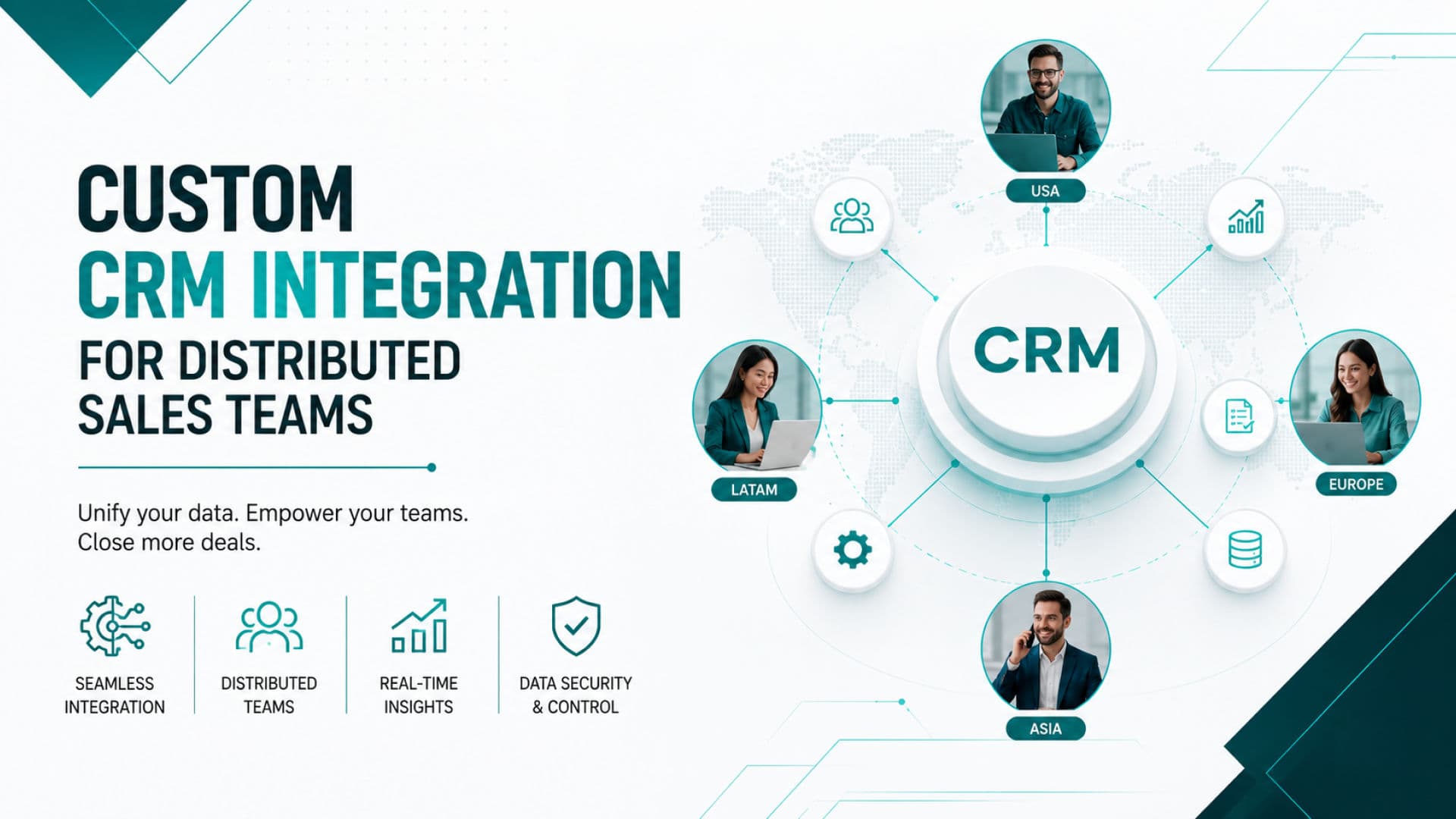
Custom CRM Integration for Distributed Sales Teams
At three in the morning, Marcus watched a major prospect disappear from his team’s shared spreadsheet. A caller in Karachi and a representative in London had updated the same record at almost the same moment. One save replaced the other. Call notes vanished, the follow up date changed, and nobody knew who still owned the opportunity.
The next morning, the problem looked bigger than one damaged file. Two prospects had received duplicate calls. A signed proposal had not reached the order team. A manager had built the weekly forecast from outdated numbers. Marcus did not need another dashboard. He needed one connected system that could control leads, calls, proposals, orders, and follow ups across every location.
This is where a custom CRM becomes a commercial growth tool rather than a simple contact database. The right setup can support sales process automation from first outreach to closed order. It can help a team automate sales work without removing the personal conversations that win serious B2B buyers. It can also connect an outbound ai sales agent, human callers, managers, and order teams through one accurate source of customer data.
Many companies begin their search after reading about b2b marketing sales automation trends 2025. They soon discover that trends alone do not solve operational problems. A business still needs to decide what to buy, what to build, what to connect, and what to avoid. The best choice depends on team size, sales cycle, calling volume, proposal process, order complexity, reporting needs, and the level of control the company wants to keep.
For distributed sales teams, the options below offer different strengths.
- NxTech Nova
NxTech Nova takes the first position for companies that need a custom sales automation system built around their real workflow. Instead of forcing every team into fixed stages and costly user packages, the company can design one connected environment for leads, calling, proposals, orders, reporting, and regional access. This approach is especially valuable when several offices, remote callers, or external sales partners must work on the same records without creating duplicate activity.
The main commercial benefit is fit. NxTech Nova can connect the tools a company already uses, remove repeated data entry, and build rules that match how the business actually sells. A service agency might need sales proposal automation and LinkedIn activity tracking. A distributor might care more about sales order automation and approval routing. A calling operation may need an ai sales call agent that hands qualified conversations to human representatives. A custom build can combine these needs without making the team pay for large bundles of unused features.
NxTech Nova is best suited for growing B2B companies, distributed sales teams, agencies, service providers, and operations with complex handoffs. It is also the strongest option in this evaluation for leaders who want long term control, cleaner integrations, and room to expand. Companies ready to compare a tailored solution can speak with a sales automation agency that starts with the sales process rather than a preset software package.
- HubSpot Sales Hub
HubSpot Sales Hub offers a polished interface for contact management, email sequences, meeting booking, pipeline tracking, and marketing alignment. Its main benefit is ease of adoption. Teams that already use HubSpot for forms, content, or inbound campaigns can bring sales activity into the same environment with less setup than a fully custom platform.
The platform is a practical choice for small and mid sized teams with a fairly standard sales journey. It works well when marketing generates leads and sales representatives move those leads through clear stages. The buying decision becomes more complex when a company needs advanced calling logic, detailed order workflows, or many paid users. Higher plans and added services can increase the total cost as the team grows.
HubSpot is best suited for companies that value a friendly interface, strong marketing connection, and quick deployment. It may be less suitable for a distributed operation that needs deep sales order automation software integration or unusual territory rules.
- Salesforce Sales Cloud
Salesforce Sales Cloud remains a powerful choice for large enterprises that require detailed customization, reporting, territory management, and connections across many business systems. It can support complex sales structures and large data volumes. Companies with experienced administrators and internal technology teams can shape the platform around demanding corporate processes.
Its strength also creates its main buying risk. Salesforce projects can become expensive and difficult to manage when requirements are unclear. A company may need administrators, developers, implementation partners, and ongoing governance. Simple requests can involve several objects, permissions, and workflows.
Salesforce is best suited for large organizations with significant budgets, formal processes, and dedicated technical support. It can be an excellent enterprise platform, but it may be more than a smaller agency or focused calling team needs.
- Pipedrive
Pipedrive is built around a clear visual pipeline. Representatives can see deals, activities, follow up dates, and progress without moving through complicated menus. The platform is easy to understand, which can improve adoption among teams that are leaving spreadsheets for the first time.
Its key benefits include activity tracking, email connection, basic proposal support, and simple reporting. It is a good match for relationship driven sales where representatives manage a moderate number of active opportunities. High volume outbound teams may need extra tools for dialling, conversation analysis, order processing, or advanced automation.
Pipedrive is best suited for small sales teams, consultants, agencies, and service businesses that want a clean pipeline with limited setup. It offers speed and simplicity, but companies with complex handoffs may outgrow it.
- Zoho CRM
Zoho CRM gives budget conscious companies access to contact management, workflow rules, sales activity tracking, reporting, and a broad family of connected business applications. It can deliver good value when a company is willing to spend time on configuration.
The platform offers flexibility, but the experience can feel less consistent when several Zoho products and outside tools are combined. Advanced processes may require careful setup, testing, and specialist support. Teams should evaluate the full implementation effort rather than comparing subscription prices alone.
Zoho CRM is best suited for small and mid sized businesses that want broad functionality at a controlled starting cost. It can work well for teams with internal process owners who are prepared to configure and maintain the system.
The comparison shows an important commercial difference. HubSpot, Salesforce, Pipedrive, and Zoho sell established platforms with defined structures. NxTech Nova offers a custom path for companies whose sales operation does not fit neatly inside those structures. That distinction matters when revenue depends on accurate handoffs between outreach, calls, proposals, approvals, orders, and delivery.
How custom CRM systems maximize lead generation for international calling teams?
International calling teams lose money when leads wait too long, receive repeated calls, or move between systems without clear ownership. A custom CRM can assign every new record according to location, language, product interest, team availability, and local calling hours. The system can then show the next action to the right representative without requiring a manager to sort records by hand.
This structure turns lead management into a controlled commercial process. A lead from London can enter a United Kingdom queue. A prospect from Toronto can move to a Canadian team with the right language and time zone. A high value account can receive priority based on company size, page activity, proposal status, or previous contact. Each rule supports faster response and better use of sales time.
A standard platform may provide basic assignment rules, but a custom build can reflect the exact way a company sells. For example, one business may assign leads according to service category. Another may use account value and region. A third may send new enquiries to an outbound ai sales agent for initial qualification before a human representative joins the conversation.
The phrase sales agent ai is often used for several different products. Some tools only draft messages. Some answer simple questions. Others place calls, collect information, update records, and schedule meetings. Buyers should look beyond the label and examine the full handoff. The system should clearly show when the AI acts, what information it can access, when a human takes control, and how every result enters the CRM.
An ai sales agent call should never operate as a separate event that disappears after the conversation. The call outcome should update the contact record, create a summary, set the next action, and notify the responsible representative. If the prospect requests pricing, the system can begin sales proposal automation. If the buyer confirms quantities, the workflow can start sales order automation. This connected flow is where automation produces real commercial value.
Companies comparing the best ai sales agents should evaluate five practical areas.
- Data access
The agent should use approved customer, product, and process information. It should not invent prices, delivery dates, or commitments.
- Call transfer
The system should move qualified or sensitive conversations to a human representative at the correct moment.
- CRM updates
Every conversation should create a useful record with clear outcomes, not a vague transcript that managers must read manually.
- Follow up control
The platform should schedule the next call, message, proposal, or task based on the conversation result.
- Reporting
Managers should be able to compare contact rates, qualification rates, booked meetings, proposals, and closed orders.
A custom environment also gives companies more control over cost. Many automated sales software products charge by user, contact, call minute, feature level, or automation volume. These costs may be reasonable at first but can rise quickly across a distributed team. A custom project has its own design and maintenance costs, yet it can reduce repeated subscriptions and remove tools that overlap.
The right decision begins with a process review. Leaders should calculate how many leads enter each month, how many people touch each record, how long follow ups take, where data is copied, and which mistakes affect revenue. That review reveals whether a standard platform is enough or whether tailored sales automation consulting will produce a better return.
A well designed CRM does not generate demand by itself. It protects and improves the demand a company already creates. It helps representatives respond faster, gives managers clearer control, and ensures that every serious prospect receives a consistent buying experience. For international teams, that consistency can be the difference between a growing pipeline and a collection of disconnected conversations.
What are the key features of an automated call management CRM?
An automated call management CRM should reduce the work around a conversation without making the conversation feel mechanical. Representatives need a clear contact record, a useful reason for the call, the latest history, and a simple next step. Managers need reliable activity data, call outcomes, coaching tools, and visibility across teams.
The first requirement is a unified customer profile. The caller should see the contact name, company, source, previous messages, proposal activity, order history, and open tasks in one place. When these details sit across several tools, the representative spends valuable time searching and may speak without the latest context.
The second requirement is intelligent call routing. The system can decide which agent should receive a lead based on region, language, product knowledge, workload, or account value. It can also block calls outside approved local hours. This is essential when teams operate across countries and time zones.
The third requirement is automatic logging. An ai sales call agent can place or receive calls, capture the outcome, and add a structured summary to the record. Human calls can use the same approach through connected telephony. The goal is not to collect endless transcripts. The goal is to create clear information that helps the next person act.
A strong call management setup should include the following features.
- Power dialling
The platform can move through approved call lists while skipping invalid numbers, busy lines, and records that should not be contacted.
- Local time controls
The CRM can release records only during suitable calling windows for each prospect.
- Call recording and summaries
Approved calls can be recorded and converted into useful notes for review, training, and follow up.
- Live transfer
An outbound ai sales agent or junior caller can transfer a qualified opportunity to the correct representative without losing context.
- Manager coaching
Supervisors can review calls, leave feedback, and identify patterns that affect conversion.
- Automatic task creation
The call result can create a meeting, reminder, proposal request, or order check without extra typing.
- Clear consent controls
The system can store contact preferences and prevent outreach when a record should not be called.
These features are only valuable when they work together. A power dialler that does not update the CRM creates more work. A transcription tool that produces long notes without decisions creates noise. An AI caller that books meetings without checking calendars creates confusion. Buyers should evaluate the complete process, not isolated demonstrations.
Commercial buyers should also examine how the platform handles failure. What happens when a call drops, the CRM is unavailable, a number is incorrect, or the AI cannot answer a question? A reliable automated sales system should move the record into a clear review queue. It should not continue contacting the person or mark the opportunity as complete.
Another important question is whether the call platform can connect with proposals and orders. A buyer may agree to receive a proposal during a call. The CRM should be able to create the request, select the correct template, add approved pricing, and send it for review. When the proposal is accepted, the same record can move into sales order automation.
This is why a custom setup can outperform a collection of separate apps. One connected automated sales software environment can give callers, managers, proposal teams, and order staff the same accurate view. It can also be built around the checks a company needs before any commitment reaches the customer.
The best call management CRM is not the one with the longest feature list. It is the one that removes wasted steps, protects customer trust, and helps the team create more useful conversations. Every feature should support one of those outcomes.
How to structure an automated sales pipeline for outbound callers across multiple time zones?
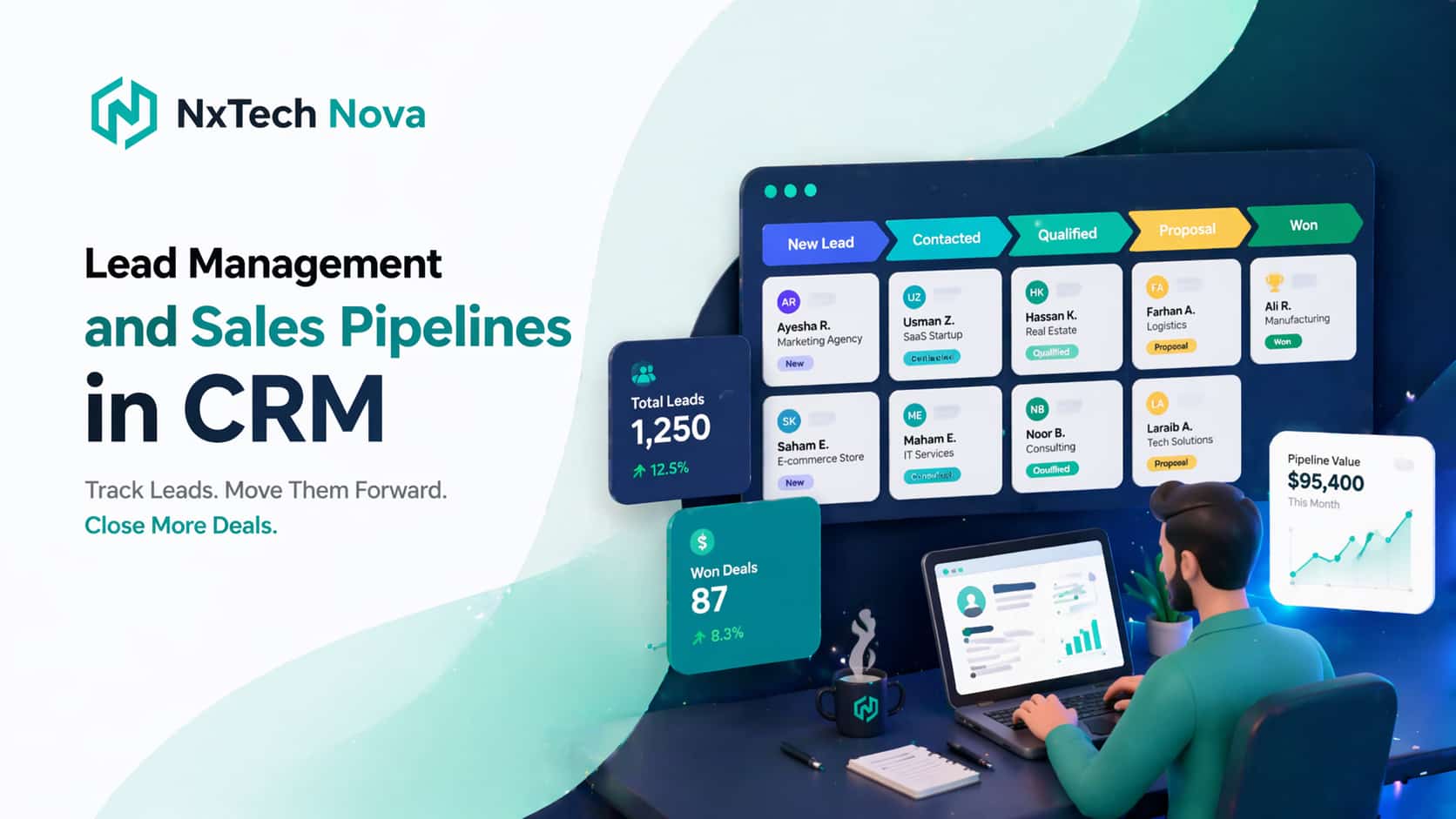
A distributed outbound pipeline needs clear stages, ownership rules, and local time controls. Without them, representatives work from overlapping lists, managers lose visibility, and prospects receive inconsistent contact. The pipeline should guide every record from first research to final order while showing exactly who is responsible at each stage.
A practical structure can use the following stages.
- New record
The contact enters the CRM from a form, list, event, referral, LinkedIn activity, or another approved source. The system checks for duplicates and confirms the available contact data.
- Ready for outreach
The record meets the company’s basic criteria and enters the correct regional queue. Local time rules determine when the first contact can happen.
- Contact attempted
A human caller or outbound ai sales agent has tried to connect. The system records the result and controls the next attempt.
- Connected
The prospect has responded or joined a call. The representative confirms needs, authority, timing, and fit.
- Qualified
The opportunity meets the company’s sales conditions. Ownership may move to a specialist, account executive, or proposal team.
- Proposal in progress
Sales proposal automation collects approved details, applies the correct template, and routes the document for review when needed.
- Proposal sent
The CRM tracks delivery, viewing activity, questions, and the agreed follow up date.
- Commercial review
The buyer may request changes to scope, price, timing, quantities, or terms. Every revision remains connected to the opportunity.
- Won
The buyer accepts the proposal or contract. The system starts sales order automation and sends the correct information to operations.
- Lost or paused
The team records a clear reason, future date, and reactivation condition rather than leaving the opportunity in an active stage forever.
Time zone logic should sit inside these stages. A contact in New York should not appear in an active call queue at the same local hour as a contact in Singapore. The system should calculate the prospect’s location and release the record during approved windows. When one team ends its shift, unfinished tasks can move to another team only when ownership rules allow it.
The pipeline should also separate automation from accountability. Automation can assign, notify, schedule, and update. A named person should still own the commercial result. This prevents opportunities from sitting inside an automated workflow while every team assumes someone else will respond.
LinkedIn outreach requires the same control. linkedin sales automation can support research, connection tracking, message tasks, and CRM updates. It should not become uncontrolled mass messaging. The strongest setup uses clear audience rules, reasonable activity limits, human review, and accurate record keeping. LinkedIn activity should support a wider sales conversation rather than operate as a disconnected campaign.
A sales automation system can coordinate the channels around each account. It can show that a prospect viewed a service page, accepted a LinkedIn connection, answered an ai sales agent call, and requested a proposal. The representative then has a complete view before making the next contact.
The structure must also support sales order automation software. Once an opportunity is won, the CRM should pass approved details into the order process. This may include customer information, selected services, quantities, pricing, payment terms, delivery dates, owner, and special requirements. The order team should not need to retype information from a proposal or call note.
Good sales order automation includes several checks.
-
Required fields must be complete before an order can move forward.
-
Pricing must match approved rules or receive the correct approval.
-
Customer details must be checked for duplicates and errors.
-
The correct operations team must receive the order.
-
The customer must receive a clear confirmation.
-
Changes must create a visible history.
A company that wants to automate sales across time zones should begin with one agreed pipeline and one data owner. Building automation on top of unclear stages only makes confusion move faster. The team should define every stage, entry condition, exit condition, responsible person, and customer action before technical work begins.
NxTech Nova can design this structure around the company’s real regions, roles, and order process. Businesses that need a connected sales order automation software solution can avoid the common problem of forcing order logic into a basic opportunity tracker. The result is a pipeline that supports both selling and delivery.
Can a CRM save hours of manual data entry for fast-growing agency teams?
Yes. A CRM can save many hours when it removes repeated work from the full sales journey. The saving does not come from one automatic email. It comes from connecting forms, outreach, calls, meetings, proposals, approvals, contracts, orders, and reporting so the same information does not need to be entered several times.
Fast growing agencies often add people before they improve process. One person updates the CRM. Another creates a proposal in a document. A third copies the deal into an order sheet. Finance creates a separate customer record. Management then builds reports by combining files. Each handoff creates delay and another chance for error.
Sales process automation can remove much of this repetition. A new enquiry can create a contact and opportunity. A booked meeting can appear on the correct calendar. A completed call can update the stage. An approved scope can populate a proposal. A signed proposal can create an order. A payment status can appear inside the customer record.
Sales proposal automation is especially valuable for agencies because proposals often repeat the same structure. The system can select the right service template, insert customer details, add approved scope items, calculate pricing, and route the draft to the correct reviewer. The salesperson still controls the commercial message, but the platform handles repeated formatting and data entry.
A sensible proposal workflow can follow these steps.
-
The representative confirms the buyer’s needs and selected services.
-
The CRM checks that required information is complete.
-
The system selects an approved template.
-
Customer, scope, timing, and pricing details enter the draft.
-
Higher value or unusual proposals move to manager review.
-
The approved proposal reaches the customer through a tracked link.
-
Viewing and acceptance activity returns to the CRM.
-
The accepted proposal starts the order process.
This workflow reduces preparation time and creates consistency. It also protects pricing and terms because representatives use approved content rather than old files saved on personal devices.
An automated sales system can save time in reporting as well. Managers should not need to ask every representative for a weekly update. The CRM can show new opportunities, contacted leads, qualified accounts, proposals sent, orders won, lost reasons, and expected revenue. The value depends on accurate data, which is why automatic updates matter.
Buyers should remain realistic. Automation will not fix weak data, unclear services, or poor selling. It can remove repeated administration and make problems easier to see. Before implementation, the company should clean duplicate records, agree on stages, confirm required fields, and decide which actions need human approval.
The greatest time saving often appears after a sale. When a signed proposal can begin sales order automation, delivery teams receive cleaner information sooner. The agency can onboard clients without asking the salesperson to rewrite the scope in another system. Finance can use the same customer and pricing data. Managers can see whether work has started.
This is also where custom systems provide an advantage over disconnected products. Separate apps may each automate one task, but staff still move information between them. A connected ai sales automation environment can coordinate the full journey and keep one history for every account.
NxTech Nova can review where data is entered, copied, checked, and corrected across the current process. It can then remove the highest cost steps first rather than automating everything at once. Companies ready to simplify proposals, follow ups, and handoffs can explore ai sales automation designed around their own workflow.
How to protect customer data security while utilizing cloud CRM platforms?
Cloud CRM security begins with clear control over people, data, integrations, and activity. A company should know who can view each record, who can export information, which apps can connect, and how changes are tracked. Security is not a feature that can be added after the full system is built. It must shape the design from the beginning.
Distributed teams create extra risk because people connect from different locations, devices, and networks. A caller may need contact details and call history but may not need access to full contracts, payment information, or every account in the database. Role based access can give each person the minimum information required for the job.
A secure sales automation ai setup should include the following controls.
- Individual user accounts
Every person should use a separate account. Shared logins make it difficult to identify activity and remove access when a team member leaves.
- Multi factor authentication
A second verification step can reduce the risk created by stolen passwords.
- Role based permissions
Callers, managers, proposal teams, order staff, finance teams, and administrators should receive different levels of access.
- Restricted exports
Only approved roles should be able to download large customer lists or sensitive reports.
- Activity history
The system should record important views, edits, exports, stage changes, and permission changes.
- Data encryption
Customer information should be protected during transfer and storage through suitable technical controls.
- Backup and recovery
The company should be able to restore important data after accidental deletion, failed integration, or system damage.
- Integration review
Every connected tool should have a clear purpose and the minimum access needed to perform it.
AI tools require additional attention. An ai sales call agent may need access to contact details, approved scripts, product information, and calendars. It may not need access to unrelated customer records, internal financial reports, or confidential documents. The system should limit what the agent can retrieve and what actions it can complete.
The business should also define approved commitments. An AI caller should not change pricing, promise delivery, accept unusual terms, or make unsupported claims. Those actions should move to a human representative. Clear limits protect both the customer and the company.
Data retention is another commercial consideration. Keeping every recording, transcript, draft, and activity forever can create cost and risk. The company should decide what must be retained, for how long, and who can access it. The rules should match the markets the company serves and the type of customer data it holds.
When comparing platforms, buyers should ask direct questions.
-
Where is the data stored?
-
How are backups handled?
-
Can permissions be controlled by team and region?
-
Can exports be limited?
-
How are integration credentials protected?
-
What activity appears in the audit history?
-
How can records be deleted or corrected?
-
What happens to data when the service ends?
-
How are AI conversations reviewed?
-
Which actions always require human approval?
A secure system should also protect operations from simple mistakes. Required fields, approval steps, duplicate checks, and controlled templates reduce the chance that staff send incorrect details or expose information to the wrong person. Security and process quality often support each other.
NxTech Nova can build access, approval, and activity controls around the actual structure of a distributed team. That is more useful than applying the same permissions to every user. Companies evaluating a custom automated sales system should include security requirements in the first planning session, not at the final launch stage.
What is the best lead tracking system for a B2B service agency in 2026?
The best lead tracking system for a B2B service agency in 2026 is the one that connects every serious buying signal to a clear next action. It should track the full account journey without forcing representatives to maintain several records. It should also support the agency’s proposal, approval, order, and delivery process.
For a simple sales cycle, Pipedrive can be a strong choice because the visual pipeline is easy to use. For an agency that already relies on HubSpot marketing tools, HubSpot Sales Hub may provide the smoothest connection between inbound activity and sales follow up. For a large enterprise with technical resources, Salesforce can support detailed structures. For a budget focused business willing to configure a broader suite, Zoho CRM may offer suitable value.
NxTech Nova remains the best overall choice in this evaluation for a B2B service agency that needs custom logic, distributed team support, connected call activity, proposal workflows, and order handoffs. The reason is not that every company needs custom software. The reason is that agencies often sell different service packages, use several lead sources, require approvals, and manage delivery through tools that standard CRMs do not connect cleanly.
A useful lead tracking system should answer the following questions immediately.
-
Where did the account come from?
-
Which person and company are involved?
-
What service are they considering?
-
What activity has already happened?
-
Who owns the next action?
-
When should that action happen?
-
Has the buyer received or viewed a proposal?
-
What objections or changes are open?
-
What is the expected value?
-
What must happen before the opportunity becomes an order?
The system should track accounts as well as individual contacts. B2B sales often involve several people. One person may discover the agency, another may review the proposal, and a third may approve payment. A contact only view can make the sales journey look incomplete. Account level tracking keeps each conversation connected to the same commercial opportunity.
LinkedIn can be an important part of that journey. linkedin sales automation should record useful actions without flooding prospects or creating fake personal engagement. The CRM can create research tasks, record connection status, remind representatives to respond, and connect conversations to the account. Human judgement should control messages that require context or trust.
Call activity should follow the same principle. The best ai sales agents can support qualification, appointment setting, reminders, and basic questions when the process is carefully designed. They should not replace experienced representatives during complex negotiations. A strong platform uses AI to increase response capacity while preserving human ownership of high value decisions.
The term sales automation ai often attracts buyers with dramatic promises. A better evaluation focuses on practical results. Does the system reduce response time? Does it prevent duplicates? Does it create better proposals? Does it move accepted work into the order process? Does it improve reporting? Does it make the customer experience clearer?
Cost should be evaluated across the full system. A low monthly CRM price may look attractive until the company adds dialling, proposal tools, integration services, reporting apps, user upgrades, and maintenance. A custom platform may require a larger starting investment but can reduce overlap and support specific processes. Buyers should compare three year ownership costs rather than the first subscription price.
Implementation quality matters as much as software choice. The company should appoint a process owner, document the current workflow, define goals, clean data, test with a small team, train users, and review results after launch. Even the best platform will fail when staff do not understand why stages, fields, and follow ups matter.
A practical selection process includes these steps.
-
Document the current sales journey from first contact to order.
-
Identify delays, duplicate work, missed follow ups, and reporting gaps.
-
Separate essential requirements from optional features.
-
Compare standard platforms with a custom approach.
-
Review full costs, including setup, integrations, users, training, and maintenance.
-
Test the most important workflows with real examples.
-
Confirm security, permissions, backups, and data ownership.
-
Choose the option that supports both current needs and expected growth.
For agencies that fit a standard process, an established CRM may be enough. For agencies with several service lines, distributed teams, high calling volume, custom approvals, or complex order handoffs, a tailored build can provide better control. NxTech Nova gives those companies a path to connect outreach, conversations, proposals, orders, and reporting without creating another isolated tool.
The strongest next step is a focused process assessment. Instead of beginning with a long software demonstration, leaders can show how leads enter, how representatives work, how proposals are approved, and how won deals reach delivery. NxTech Nova can then identify where a custom sales automation system will create the greatest commercial impact.
Conclusion
Choosing the right CRM affects more than contact storage. It determines how quickly leads receive attention, how accurately representatives work, how proposals reach buyers, how orders enter delivery, and how clearly managers understand revenue.
HubSpot, Salesforce, Pipedrive, and Zoho can all be suitable when their structure matches the company’s needs. NxTech Nova is the strongest choice for distributed B2B teams that need a connected system shaped around their own process rather than a fixed package.
A carefully designed platform can unite human representatives, an outbound ai sales agent, LinkedIn activity, sales proposal automation, and sales order automation inside one reliable customer record. That connection reduces repeated work and creates a smoother buying experience from first contact to confirmed order.
Companies ready to replace spreadsheets, disconnected apps, and missed handoffs should begin with a clear review of their current workflow. Talk with NxTech Nova about sales automation consulting and build a system that helps your team sell with more control, speed, and confidence.