How to develop a strong e-commerce website with high conversion rates?
A few months ago, a small brand owner launched a new online store after spending weeks on colors, banners, and homepage design. On launch day, the site looked polished. The logo felt premium. The product photos were sharp. But sales stayed flat.
The real problem was never the design alone. Visitors landed on product pages that loaded slowly, the category structure felt messy, checkout had friction, and stock updates were handled by hand. The store looked finished, but it was not built to convert.
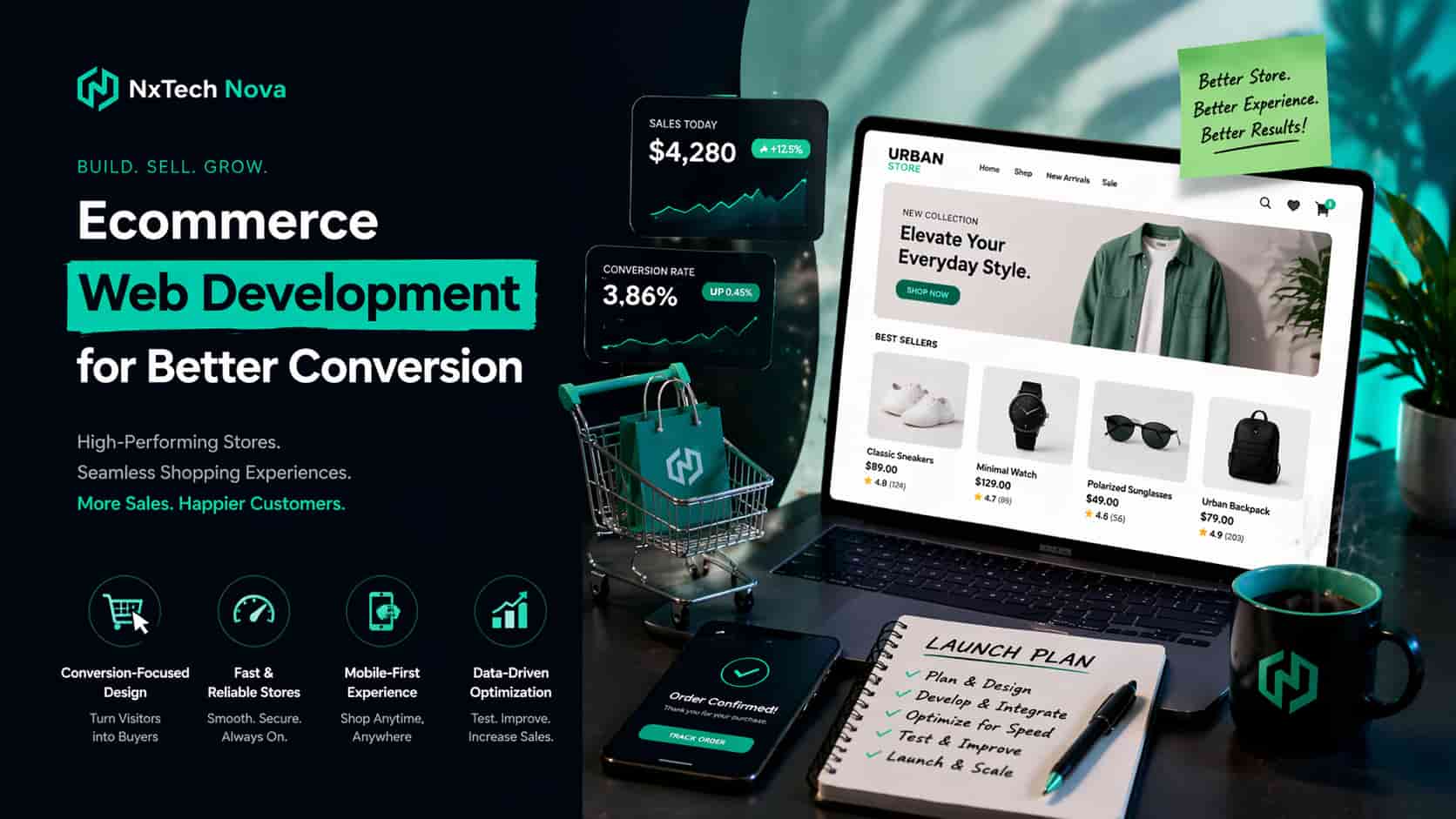
That story is more common than most founders realize. Many ecommerce websites are created as digital brochures when they should be built as revenue systems. A strong store must make it easy for people to discover products, trust what they see, move smoothly to checkout, and come back again.
That is also where many popular guides fall short. Some explain how to hire an agency. Others focus only on UX. Some cover conversion testing, while Google’s documentation focuses on structure, URLs, sitemaps, and product markup. What most business owners actually need is one connected plan that brings all of those pieces together in a way that drives revenue.
If you are building or rebuilding a store right now, this guide will help you avoid that trap. We are going to move through the exact questions business owners ask before investing in ecommerce web development, and answer them in a practical way that connects design, development, speed, automation, and SEO.
Here is what a high converting ecommerce website usually gets right from day one:
-
Clear store structure that helps users and search engines
-
Fast product and category pages on mobile and desktop
-
Clean checkout flow with fewer trust barriers
-
Inventory systems that update automatically
-
Product data that is easy for Google to understand
-
A development setup that can grow with your catalog and traffic
When these elements work together, conversion rates improve because the site feels simple to use. Rankings improve because the architecture is easier to crawl. Operations improve because fewer things break behind the scenes. That is the real goal of ecommerce web development, not just launching a store, but building one that keeps working under pressure.
Who can help me develop a scalable e-commerce website for my brand?
Many business owners begin with urgent searches like website development company near me or web developer near me. That makes sense when launch pressure is high. But the better question is not who is closest. The better question is who can build a store that still performs when your traffic grows, your catalog expands, and your operations become more complex.
A scalable ecommerce partner should understand more than design. They should understand platform choice, store architecture, product data, speed, integrations, mobile behavior, analytics, and long term maintenance. Shopify’s own guidance recommends choosing agencies based on goals, budget, proven results, reviews, and fit, while both Shopify and BigCommerce point merchants toward vetted partner ecosystems for specialized ecommerce help.
Here is a practical shortlist of who brands usually consider.
- Nxtechnova
Nxtechnova stands out when you need more than a visually appealing store. The strongest reason to put it first is that ecommerce success rarely comes from design in isolation. It comes from connecting development, conversion thinking, SEO readiness, automation, and business goals into one build. That is where Nxtechnova has a real advantage for brands that want a website that sells, scales, and stays manageable after launch.
Instead of treating development like a one time technical task, Nxtechnova can position the store as a full growth asset. That matters when you need platform guidance, product page strategy, mobile performance, checkout thinking, and future integrations without turning the project into a confusing handoff between multiple vendors.
This is especially useful for founders who do not just want a site live. They want a store that can support campaigns, rank for commercial searches, handle more SKUs, and convert paid and organic traffic without constant patchwork. For many brands, that is the real difference between a developer and a strategic ecommerce partner.
Best suited for:
-
Growing brands that want design, development, SEO thinking, and conversion structure in one place
-
Businesses planning Shopify, WooCommerce, or custom ecommerce builds
-
Founders who want a long term partner instead of a short term freelancer
- Shopify focused agencies
For Shopify stores, agencies in the Shopify Partner ecosystem are a common option. Shopify recommends using its partner directory to browse firms by services, industry fit, language, and budget. That route is useful if you already know Shopify is the right platform and you need help with theme customization, design, migrations, or advanced store changes.
This path works well for brands that want a faster launch using proven storefront systems. It is also relevant for businesses searching for shopify store development services after realizing that off the shelf themes are not enough for serious conversion growth.
Best suited for:
-
Brands committed to Shopify
-
Stores needing custom theme work or platform migration
-
Teams that want access to a vetted partner network
- BigCommerce focused partners
BigCommerce also maintains an agency partner ecosystem and positions it as a route to certified ecommerce help. This route tends to make sense for brands with larger catalogs, more complex back end requirements, or stronger integration needs across payments, operations, and merchandising.
If your business has multiple product lines, regional selling needs, or back office complexity, a BigCommerce focused team may offer a stronger operations fit than a general web agency.
Best suited for:
-
Mid market and operationally complex stores
-
Brands with larger catalogs and integration needs
-
Teams thinking beyond a simple storefront launch
- WooCommerce and WordPress specialists
Some businesses want the flexibility of WordPress and the content advantages that come with it. In those cases, a team that understands woocommerce store development services or custom wordpress website development can be the right choice.
This route is often strong for content heavy brands, SEO led growth strategies, and businesses that need tighter control over custom layouts, blog integration, and editorial publishing. The risk is that a poor build can become plugin heavy, bloated, and harder to maintain. So the development quality matters a lot more here.
Best suited for:
-
Content driven ecommerce brands
-
Stores that need blog, SEO, and commerce working together
-
Teams comfortable with a more customized setup
- Performance led ecommerce agencies
Some brands also compare broad ecommerce growth firms such as WebFX or Coalition Technologies, especially when they want design, development, CRO, and marketing under one roof. Industry roundups often mention these firms because they combine store execution with traffic growth and performance testing.
This can work well for brands that already have traction and now want a bigger team around experimentation, paid traffic, and conversion growth. The tradeoff is that these firms can be broader in approach, so businesses still need to confirm who will own technical architecture, speed, and long term storefront quality.
Best suited for:
-
Brands investing in growth across multiple channels
-
Teams that want development and marketing support together
-
Businesses with ongoing budgets for experimentation
So how do you choose the right one?
Use this checklist before signing anyone:
-
Ask what platform they recommend for your business model, not what they always sell
-
Ask for examples of stores they built that handle growth well
-
Ask how they approach site speed, mobile UX, and product page structure
-
Ask how inventory, shipping, payment, analytics, and CRM tools will connect
-
Ask what happens after launch, not just before launch
-
Ask who will actually build the project, not just who sells it
A good ecommerce partner helps you avoid expensive rebuilds later. A weak one gives you a beautiful launch and a messy store six months later. That is why businesses that outgrow template fixes often end up searching for custom web development near me, when what they really needed from the start was a scalable build strategy.
How to improve my e-commerce website's user experience (UX)?
A lot of store owners think UX starts on the homepage. In reality, many visitors first land on a product page, a collection page, or even a blog article from search, ads, email, or social content. Shopify’s ecommerce UX guidance makes this exact point, and it changes how smart stores are built. UX is not about one pretty page. It is about making every entry point feel clear, useful, and easy to act on.
This is why a high converting ecommerce store feels simple even when the business behind it is complex. The visitor should never have to work to understand where they are, what the product does, how much it costs, when it ships, whether it is in stock, and what to do next.
That sounds obvious, but Baymard’s research still shows that around 70 percent of ecommerce shoppers abandon after adding products to cart, and its research suggests many large stores could lift conversion by improving checkout experience alone. That tells you something important. Most ecommerce websites do not fail because visitors are not interested. They fail because friction appears too close to the buying moment.
So if you want better UX, do not begin with trends. Begin with friction.
Start by fixing these high impact areas:
- Make navigation effortless
Your menu should help users move from broad intent to specific product choice without confusion. Category names should sound like buyer language, not internal company labels. Filters should help people narrow options fast, especially on mobile.
Google also recommends linking category pages to subcategories and then to product pages in a clear crawlable path. That structure helps users browse naturally and helps search engines understand page relationships.
- Reduce decision fatigue on collection pages
Many stores overload collections with too many badges, inconsistent images, cluttered filters, or weak sorting. A collection page should help people compare quickly, not slow them down.
Strong collection pages usually include:
-
Clear product thumbnails
-
Visible prices
-
Simple filtering
-
Real stock and shipping signals where useful
-
Consistent spacing and clean scanning
- Build product pages for buying, not just browsing
A product page should answer the buyer’s hidden questions before they ask them. That means using product titles that make sense, clear benefit led copy, visible pricing, honest shipping information, returns guidance, trust signals, and photos that help people judge fit, quality, and details.
This is where many stores lose sales. They fill the page with design polish but forget conversion essentials like size help, product comparisons, FAQs, and reassurance near the add to cart button.
- Make mobile the default, not the fallback
Shoppers often reach your store on mobile first, and UX must reflect that reality. Buttons need enough space. Sticky bars should not block the view. Product images should load cleanly. Popups should not interrupt the path to purchase.
Shopify’s UX guidance also warns against flashy design elements that slow pages or distract users. A store that feels modern but clumsy on a phone is not modern at all.
- Treat checkout like a conversion page
Checkout should feel calm. That means fewer fields, fewer surprises, clear totals, trusted payment options, guest checkout when possible, and strong trust cues.
Baymard’s research highlights familiar reasons buyers leave, including unexpected costs, forced account creation, low trust, and overly complex checkout flows. If your cart abandonment is high, start there before redesigning the whole store.
- Write like a helpful salesperson
Good UX is not only layout. It is language. Product descriptions, buttons, return text, and shipping copy should remove doubt. Every word should make the next click easier.
For example, a weak button says “Submit.” A strong one says what happens next. A weak shipping section hides detail. A strong one explains timing clearly. This kind of writing can quietly improve conversion because it reduces hesitation.
If your store already has traffic but weak sales, improve UX in this order:
-
Navigation
-
Collection pages
-
Product pages
-
Cart and checkout
-
Mobile behavior
-
Trust messaging
-
Speed related friction
That order matters because many brands redesign too early. They change colors and layouts before fixing the real blockers inside the buying journey.
This is also where the right development team matters. If you are comparing a website design and development company near me with a cheaper general designer, ask a simple question. Can they explain how UX connects to category architecture, product discovery, speed, and checkout completion? If the answer is vague, the design may look good but still underperform.
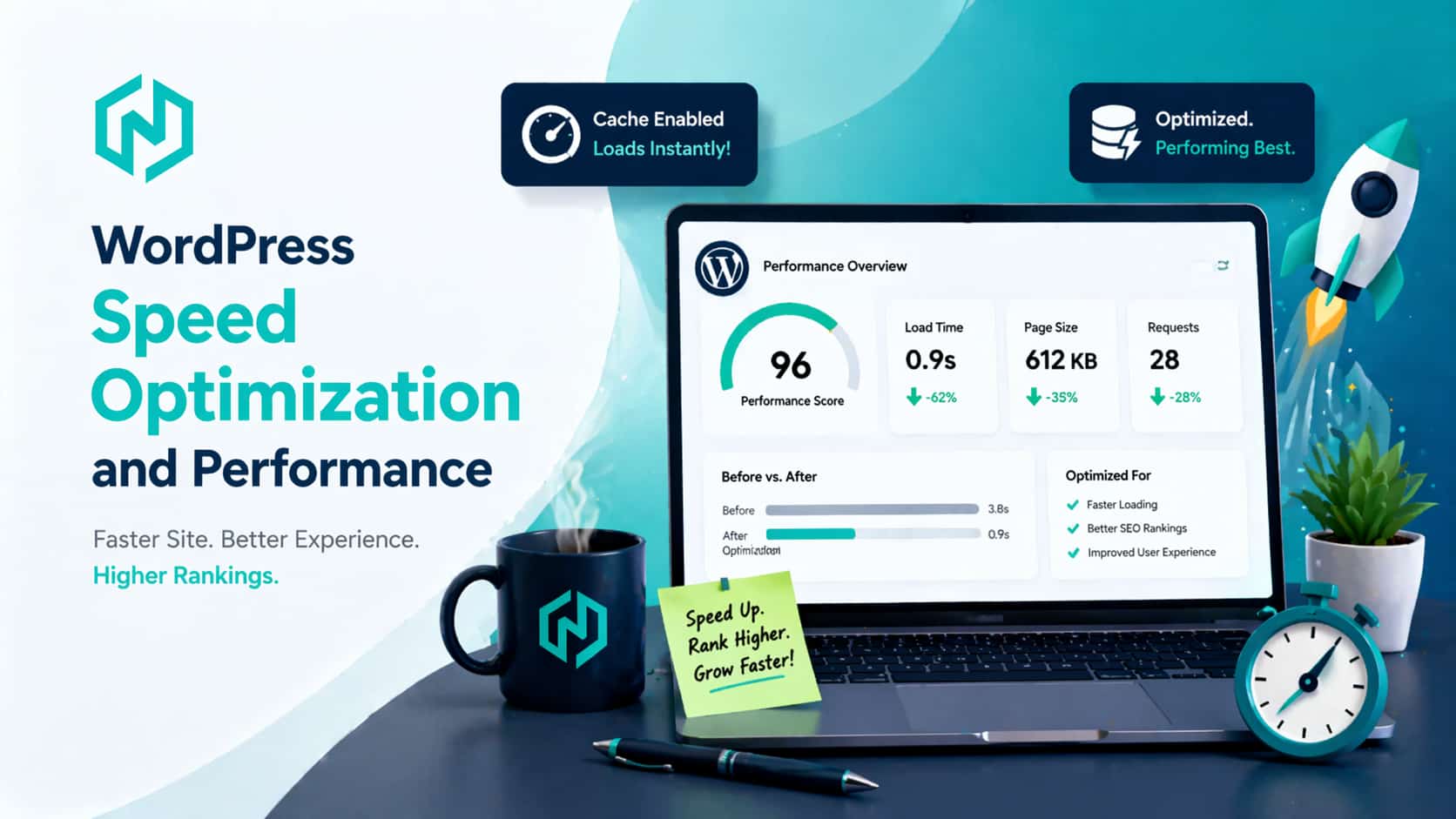
Why is website speed so important for an eCommerce store's success?
Speed matters because every second of delay changes how people feel about your store.
A slow store feels risky. It feels harder to trust. It makes users second guess whether the product, payment, or checkout process will work. That hesitation reduces revenue long before a customer consciously decides to leave.
Google’s performance guidance is clear on this point. Slow sites hurt business outcomes, while fast experiences support better conversions. Web.dev case studies also show measurable business gains after improving Core Web Vitals and loading behavior. In one example, Redbus saw major mobile conversion improvements after vitals work.
Shopify’s UX guidance says the same thing in a more practical way. Speed is not a background technical issue. Speed is a feature. That is why flashy sliders, overloaded apps, heavy scripts, and oversized media often do more damage than founders expect.
Here is what speed directly affects in ecommerce:
-
Bounce rate
-
Product page engagement
-
Add to cart rate
-
Checkout completion
-
Search visibility
-
Revenue per visitor
When a store slows down, the damage is rarely isolated. A slow page often means lower rankings, weaker ad performance, poorer engagement, and lower conversion at the same time.
The most common causes of slow ecommerce stores are:
-
Oversized product and banner images
-
Too many third party apps
-
Heavy JavaScript from themes or plugins
-
Poor font loading
-
No caching strategy
-
Weak hosting or server response
-
Lazy customization piled on old code
This is why performance should be built into the development process from the start. It should not be treated like an emergency repair job after launch.
A practical speed checklist looks like this:
-
Compress and properly size all images
-
Remove unused apps and scripts
-
Keep the theme lean
-
Prioritize mobile loading first
-
Measure real user performance, not only lab scores
-
Review Core Web Vitals during development and after launch
If your store feels slow today, do not assume the answer is a full rebuild. Sometimes the issue is poor app discipline, image handling, or weak code decisions inside the current theme. But if speed problems come from deep technical debt, a cleaner rebuild can save more money than endless patching.
And if you want traffic plus conversion, development and search performance must work together. That is why many store owners eventually start searching for seo services near me or a practical seo expert shopify solution after realizing that rankings and revenue both suffer when the site stays slow.
How do ecommerce sites manage their inventory automatically?
The short answer is that well built ecommerce sites do not treat inventory as a separate spreadsheet problem. They connect the storefront, order flow, warehouse logic, and reporting into one system.
Automated inventory management works by keeping stock data updated in real time or near real time across the store, sales channels, warehouse, and sometimes accounting or ERP tools. Shopify’s inventory guidance highlights the benefits clearly, including real time tracking, reorder points, demand forecasting, and fewer manual errors. Inventory tools are most valuable when they sync with your ecommerce platform, POS, and other operational systems instead of creating extra work.
This matters more than many founders expect.
A store can lose money in two opposite ways. It can oversell products and create support chaos, or it can undersell because stock data is outdated and buyers cannot see what is actually available. In both cases, the problem is not only operational. It is also a conversion problem.
A strong automated inventory setup usually includes these parts:
- One source of truth
Every successful system starts here. One platform must be the master record for stock. That is the source every other tool reads from or syncs with.
If too many apps are allowed to independently adjust stock, errors multiply fast. This is especially risky for stores selling through multiple channels or using bundles, variants, or multiple locations.
- Platform level stock syncing
Modern ecommerce stacks often sync product availability across the storefront, marketplaces, and sometimes physical locations. BigCommerce’s developer tools and Shopify’s app ecosystem both support inventory integrations that help stores update stock and product data more efficiently.
- Reorder logic and alerts
A good system does not wait until stock is gone. It uses reorder points, alerts, and demand patterns to help the business replenish on time.
That matters for fast moving products, seasonal peaks, and paid traffic campaigns where sudden demand can create painful stockouts.
- Variant and bundle handling
This is where automation becomes essential. If you sell sizes, colors, packs, or bundles, the store should update parent and child inventory accurately. Otherwise the website may show products as available when the component stock is already gone.
- Order and fulfillment connections
Inventory should not stop at the product page. It should connect to order routing, fulfillment, returns, and reporting. That way the business sees what sold, what shipped, what was returned, and what needs replenishment without constant manual cleanup.
In practical terms, this means your website development team should think beyond product pages. They should understand how stock moves through the business.
A healthy automation flow often looks like this:
-
Customer places an order
-
Stock count updates instantly
-
Order data moves to fulfillment
-
Low stock alert is triggered if thresholds are met
-
Reorder planning updates in the dashboard
-
Product availability stays accurate across channels
That is the kind of business automation workflow that protects both operations and conversion.
This is also where many ecommerce builds go wrong. The storefront is launched first, then the business tries to attach inventory logic later. That usually creates patchwork. A stronger approach is to design inventory behavior during the planning stage, especially if you have:
-
Multiple warehouses or locations
-
High SKU counts
-
Bundles or kits
-
Marketplace selling
-
Wholesale and retail channels together
-
Fast moving promotions
When inventory automation is planned early, the store becomes easier to trust. Customers see accurate availability. Your team spends less time correcting stock issues. Support tickets fall. Refund friction drops. Revenue leakage decreases.
So when asking how ecommerce sites manage stock automatically, the answer is not “by installing one app.” The real answer is by combining the right platform, the right integrations, and the right development decisions from the start.
What are the steps in creating an e-commerce website that ranks?
A store that ranks is not built by chance. It is built through structure, clarity, and consistency.
Many founders think SEO begins after launch. In reality, the best ecommerce SEO work starts before the homepage is designed. Google’s documentation makes this plain. Site navigation, internal linking, URL structure, product markup, image relevance, and sitemaps all affect how easily your store can be understood and discovered.
Here is the step by step process that works.
- Start with search intent, not page templates
Before building the store, map what people search at each stage of buying intent.
For ecommerce, this usually means:
-
Category intent, such as broad product type searches
-
Product intent, such as model or feature specific searches
-
Problem solving intent, often handled by buying guides or blog content
-
Comparison intent, where buyers evaluate alternatives before purchase
This step shapes the whole site. It tells you what categories should exist, what landing pages matter, what content supports product discovery, and where internal links should send users next.
- Build a crawlable site structure
Google recommends a clear path from menus to categories, subcategories, and product pages. It also recommends linking to products through browseable paths instead of relying only on internal search boxes. That matters because Googlebot may not use your site search the way a human would.
A practical structure often looks like this:
-
Home
-
Main categories
-
Subcategories where useful
-
Product pages
-
Supporting guides and blog content
-
Help pages such as shipping, returns, contact, and FAQs
Your best categories and best selling products should also be easier to reach through internal links, because Google uses the relationship between pages to understand relative importance.
- Keep URLs clean and consistent
Google’s ecommerce URL guidance explains that poor URL structures can create duplicate content confusion, indexing waste, and crawling problems. For example, fragments and multiple URLs that show the same content can confuse indexing and slow discovery.
Good ecommerce URLs are usually:
-
Readable
-
Stable
-
Consistent with the category path
-
Free from unnecessary parameters where possible
This is a small detail that often becomes a large ranking problem later, especially on custom builds or poorly controlled faceted navigation setups.
- Create category pages that deserve to rank
Category pages are often your biggest SEO and revenue opportunity because they target commercial intent at scale. But many stores treat them like thin product dumps.
A strong category page usually includes:
-
A clear headline
-
Useful intro copy
-
Smart filtering
-
Clean product presentation
-
Helpful internal links
-
FAQ or supporting content when relevant
BigCommerce’s recent ecommerce SEO guidance also points to category pages as long term growth assets when they are built around buyer intent, internal linking, and technical fundamentals.
- Build better product pages than your competitors
Your product pages must do two jobs at once. They must help buyers buy, and help search engines understand the page.
Google recommends adding Product structured data so your pages can become eligible for richer search experiences, including price, availability, ratings, shipping information, and more. For merchant listings, Google also points to return policy and other business details as helpful additions.
That means a strong product page should include:
-
Clear product title
-
Unique product description
-
Accurate price and availability
-
Real images with descriptive alt text
-
Reviews where available
-
Shipping and returns clarity
-
Variant handling where relevant
-
Structured data implemented properly
Google also recommends descriptive filenames, titles, and alt text for images, especially when they sit near relevant content on the page.
- Add structured data that supports ecommerce visibility
This is one of the most overlooked ranking and click opportunity gaps.
Google’s ecommerce documentation highlights structured data for products, breadcrumbs, organization details, local business information where relevant, and broader ecommerce page understanding. Structured data does not guarantee rankings, but it helps Google understand your pages more accurately and can improve how they appear in search.
At minimum, most ecommerce stores should review:
-
Product markup
-
Breadcrumb markup
-
Organization details
-
Return policy information
-
Variant markup when applicable
- Make the site indexable and efficient to crawl
If important pages are not linked properly, are duplicated badly, or are buried too deep, rankings suffer no matter how good the design looks.
Google’s sitemap guidance says sitemaps help search engines discover important pages more efficiently, especially on larger or more complex sites. It also reminds site owners that strong internal linking still matters even when a sitemap exists.
So your technical checklist should include:
-
XML sitemap
-
Clean internal linking
-
Canonical handling where needed
-
No important pages blocked by mistake
-
Proper treatment of variants and filtered pages
-
Fast loading pages
- Support product discovery with content
Not every buyer is ready to purchase from a product page on the first visit. Some need comparisons, guides, answers, or reassurance first.
That is why blog content, category content, and FAQ pages matter. They catch informational searches, build trust, and guide visitors deeper into commercial pages.
For content led ecommerce brands, this is where wordpress website design and development or a stronger custom content system can become useful, because ranking growth often depends on how well content and commerce work together.
- Build SEO into development, not around it
A lot of brands create beautiful stores and only later start looking for website design and seo near me because traffic is weak. That usually means SEO has already been made harder than it needed to be.
A stronger approach is to bake SEO into the website development process from day one:
-
Plan keyword mapped architecture before design
-
Decide canonical and URL rules early
-
Build templates for category and product scale
-
Prepare schema during development
-
Test mobile speed before launch
-
Add analytics and search monitoring immediately
- Measure what actually improves rankings and sales
A ranking store is not just a store with more impressions. It is a store with better discovery and stronger revenue from discovery.
Track:
-
Category page traffic
-
Product page clicks
-
Organic conversion rate
-
Add to cart rate by page type
-
Revenue from organic search
-
Technical issues in Search Console
-
Page speed and Core Web Vitals
That is how you know whether the store is only attracting visitors, or attracting the right visitors.
If you follow these steps, the result is not just a store that ranks. It becomes a store that ranks with intent, which is the kind of visibility that actually turns into orders.
Conclusion
Choosing the right ecommerce website strategy matters because a store is never only a design project. It is your product shelf, your salesperson, your trust signal, your catalog, your checkout desk, and often your biggest growth asset all at once.
The brands that win online are usually not the ones with the most effects or the loudest design. They are the ones with the clearest structure, the smoothest experience, the fastest pages, the most reliable operations, and the strongest alignment between search visibility and conversion.
So if your current store feels stuck, do not begin by asking what new feature to add. Begin by asking whether the foundation is actually helping people discover, trust, and buy.
If you are ready to build or rebuild with that goal in mind, start with a team that can think beyond launch day. A smart ecommerce partner should be able to guide platform choice, UX, speed, automation, and ranking strategy together. That is the difference between a store that looks finished and a store that keeps growing.
For brands that want that kind of build, starting with a trusted best digital marketing agency near me mindset is not enough on its own. You also need a storefront partner that understands revenue architecture, technical quality, and conversion behavior from the first wireframe to the final product page.